Technical Integration

Connecting the platforms your organization already relies on.

We integrate websites, CRMs, accounting systems and marketing platforms so that data moves between them automatically, and we migrate records safely when you change platforms. The result is less manual data entry, fewer errors and a single, reliable version of your information.

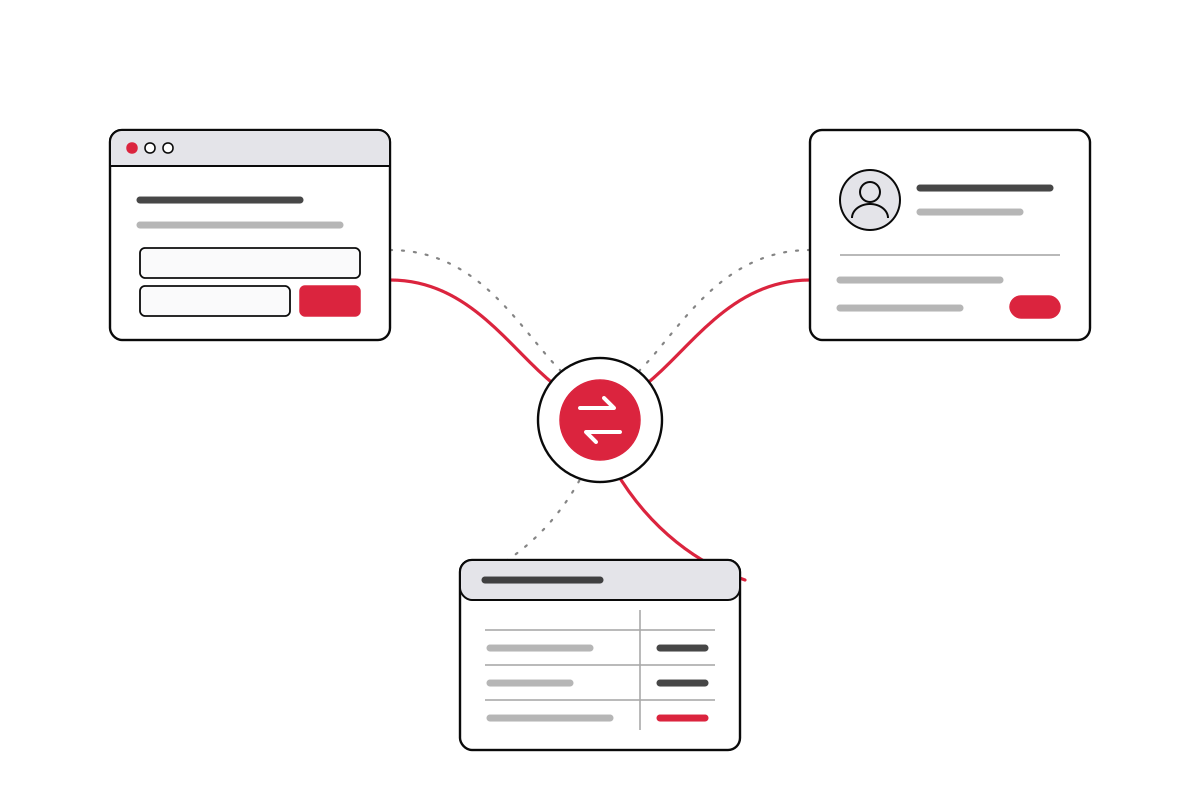
Line illustration of a website, CRM and accounting system exchanging data through a central connection

Overview

Systems that work together

Most organizations use several platforms that were never designed to share data.

A typical small business or nonprofit runs its website on one platform, manages contacts in a CRM, sends newsletters through an email marketing service and keeps its books in accounting software. When those systems are not connected, staff re-enter the same information in several places, records fall out of step, and reporting requires manual reconciliation.

Most modern platforms provide an application programming interface (API) that allows other systems to read and write their data. We use those interfaces to connect your platforms directly, so that a form submission, a new donor, a completed sale or a paid invoice is recorded everywhere it needs to be without additional effort from your staff.

Services

Integration services

Representative examples of the work we perform.

Website and CRM integration

Connecting website forms, registrations and donations to your CRM or email marketing platform, so that new contacts arrive with the correct fields, tags and segments already applied. We work with WordPress, Elementor, Gravity Forms and similar tools on the website side, and with CRMs and marketing platforms including HubSpot, Salesforce, Flodesk, Mailchimp and Relatable.

CRM and accounting synchronization

Keeping customer, donor and transaction records consistent between a CRM and accounting software such as Xero or QuickBooks. Typical examples include creating invoices from closed opportunities, recording payments against the correct contact, and making payment status visible to staff who work primarily in the CRM.

E-commerce and payment integration

Connecting Shopify, WooCommerce, Stripe and similar platforms to accounting, fulfillment and inventory systems, so that orders, fees and refunds are recorded accurately without manual reconciliation.

Automated imports and scheduled processing

Custom tools that import records from spreadsheets, CSV exports or partner systems on demand or on a schedule. Imports validate the data, match records against what already exists to avoid duplicates, and produce a report of what changed and what requires review.

Workflow automation

Multi-step processes that run automatically when an event occurs, for example: a new client intake form creates a CRM record, generates a project folder, notifies the responsible staff member and schedules a follow-up. Depending on requirements, we build these as custom code hosted on Cloudflare (or another platform), or can use tools such as Zapier, Make or n8n.

Custom API development and webhooks

Where no existing connector meets the requirement, we develop one: WordPress plugins, serverless functions on Cloudflare Workers, webhook receivers and lightweight APIs that expose your data to the systems that need it.

Reporting consolidation

Combining data from several platforms into a single spreadsheet or dashboard, so that reporting no longer requires assembling exports by hand.

Data migration

Platform migrations

Moving your records to a new system completely and accurately.

Changing platforms is often necessary, but the migration itself is where records are most frequently lost, duplicated or corrupted. We plan and perform migrations between platforms of the same type, including:

  • Email providers, e.g., between Google Workspace, Microsoft 365 and other hosts, including mailboxes, calendars, contacts and the associated DNS records
  • CRM systems, including contacts, organizations, activity history, custom fields and relationships between records
  • E-commerce platforms, including products, variants, customers, order history and the redirects required to preserve search rankings
  • Website platforms, e.g., from Squarespace or Wix to WordPress, or from WordPress to a static site
  • Spreadsheets and legacy databases into a structured platform suitable for the organization’s current size

Migration process

  1. Inventory. Document what exists in the current system, including the custom fields, attachments and history that are easily overlooked.
  2. Field mapping. Define where each piece of data will reside in the new platform and how differences in structure will be resolved. You review and approve the mapping before any data is moved.
  3. Test migration. Migrate a representative sample and verify the results with your staff.
  4. Full migration and verification. Migrate the complete dataset and reconcile record counts and totals against the source.
  5. Cutover. Switch operations to the new system at a scheduled time, with the original system retained until the migration has been confirmed.

Approach

Integration standards

The principles applied to every integration we build.

  • Efficient solutions that minimize complexity. Where a platform’s native integration or an established automation service is sufficient, we recommend it rather than writing custom code.
  • Failure monitoring. Every integration includes error handling and notification, so a rejected record or an expired credential is identified before it can cause an issue.
  • Minimum necessary access. Scoped API keys and dedicated integration accounts are used in place of personal credentials wherever the platform supports them.
  • Client ownership. Code, credentials and accounts belong to your organization, and every integration is documented for future maintenance by us or any other developer.

Open source

Free WordPress integration plugins

We publish several of the integrations developed for client projects as free, open-source WordPress plugins. Each is released under the GPL-3.0 license, receives updates directly from its GitHub repository, and may be used, modified and redistributed without charge.

WordPress plugin · v1.5.7 · GPL-3.0

Cloudflare Email Sender

Routes all outbound WordPress email through the Cloudflare Email Service REST API, for sites on hosts that do not provide reliable outbound SMTP.

  • Replaces wp_mail() so password resets, notifications and form submissions all send through Cloudflare
  • Compatible with Elementor, Gravity Forms and Contact Form 7, including Cc, Bcc and Reply-To headers
  • Diagnostic alerts and admin notices when the API rejects a message
  • Configurable through WP-CLI for scripted deployments

WordPress plugin · v1.0.1 · GPL-3.0

Flodesk Integration for Elementor Forms

Adds Flodesk as an action after submit in Elementor Pro Forms, sending new subscribers directly to Flodesk with field mapping and segment assignment.

  • Maps email, name and custom fields from any Elementor form to Flodesk
  • Assigns every subscriber to one or more fixed segments
  • Conditional segment rules based on the values a visitor selects
  • Optional double opt-in

These plugins are provided as-is, without warranty. Issues and feature requests may be submitted through each repository. Installation, configuration and custom modifications are available at our standard rate of $105/hr.

Pricing

Pricing

Integration and migration work is billed at our standard hourly rate.

All integration, automation and migration work is billed at $105/hr for actual time worked. A straightforward form-to-CRM connection is often completed in a few hours; a multi-system integration or a large CRM migration may require considerably more. We provide a written estimate before work begins and notify you promptly if a project is tracking above it. Fixed-price quotes are available when the scope is well defined.

Subscription fees for third-party platforms, including automation services such as Zapier or Make, are billed to your organization directly by the provider. Where a custom integration would eliminate a recurring subscription, we include that comparison in our recommendation.

See the rates page for travel costs and the emergency rate policy.

Questions

Frequently asked questions

Do we need custom development, or will a tool such as Zapier work?
It depends on volume, complexity and cost. Zapier, Make and similar platforms are often the fastest and least expensive option, and we recommend them where they are sufficient. Custom development is justified when those platforms cannot perform the required logic, when per-task pricing becomes expensive at your volume, or when the data should not pass through an additional third party. We assess each case and recommend the least complex option that meets the requirement.
Who owns the integration once it is built?
You do. Code is delivered to a repository or account under your control, API credentials are issued from your own accounts, and every integration is documented so that another developer can maintain it. We do not build integrations that only we can operate.
What happens when one of the connected platforms changes?
Platforms occasionally change or retire their APIs, which can interrupt an integration. We build error notifications into every integration so that a failure is reported rather than going unnoticed, and we can monitor and update integrations on an ongoing basis. Most platforms announce breaking changes well in advance, which allows updates to be scheduled rather than handled as emergencies.
Can data be migrated without interrupting our operations?
In most cases, yes. Migrations are planned so that the existing system remains in use until the new one has been populated and verified. For email migrations, mailbox contents are copied in advance and the final cutover is limited to a DNS change and a short synchronization of recent messages, typically scheduled outside business hours.
How are our credentials and data handled?
We request the minimum access required for the task, using scoped API keys or dedicated integration accounts rather than personal passwords wherever the platform supports them. Credentials are stored in your systems or in encrypted configuration, not in documents or email. Test data is used during development where practical, and access can be revoked at the end of the engagement.
Are the WordPress plugins free to use?
Yes. All three are released under the GPL-3.0 license and are free to download, use and modify. They receive updates automatically from their GitHub repositories once installed. Installation, configuration and custom modifications are available at our standard hourly rate for clients who prefer assistance.
Can you build a plugin for a platform that is not listed here?
Yes. Each of these plugins was written because a client needed a connection that no existing plugin provided. If the platform you use offers an API, we can usually build an equivalent integration.

Also available

Other things we help with

Get in touch

Let's talk

There is no charge for an introductory conversation. Tell us what you are trying to do and we will tell you honestly whether we are the right fit — and roughly what it should cost.